

Download Keyboard Red – Android Keyboard Theme, Neon Red, GO Keyboard, Free, Secure
Overview
Keyboard Red is a free Android keyboard theme developed by T-Me Studio, designed to enhance the typing experience with a vibrant dark red aesthetic. The theme is tailored for users seeking a visually striking and enjoyable interface while typing, offering a neon red design that stands out on modern Android devices. It functions as a companion theme for specific keyboard applications, including GO Keyboard – Emoji, Wallpaper, or the New 2023 Keyboard, which must be installed separately for full functionality. The software is intended for casual users and mobile enthusiasts who value both aesthetics and usability in their daily digital interactions.
By integrating seamlessly with compatible keyboard apps, Keyboard Red allows users to personalize their typing environment without requiring technical expertise. Its primary purpose is to improve user engagement through visual appeal, making routine text input more entertaining and expressive. The theme supports a range of Android devices, including both newer models and older hardware, ensuring broad accessibility. It is optimized for use across smartphones and tablets, making it suitable for users who frequently type on mobile platforms. The developer did not provide additional details about the app’s underlying architecture or data handling practices beyond its compatibility and security claims.
Key Features & Capabilities
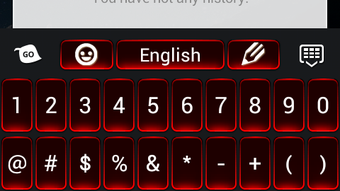
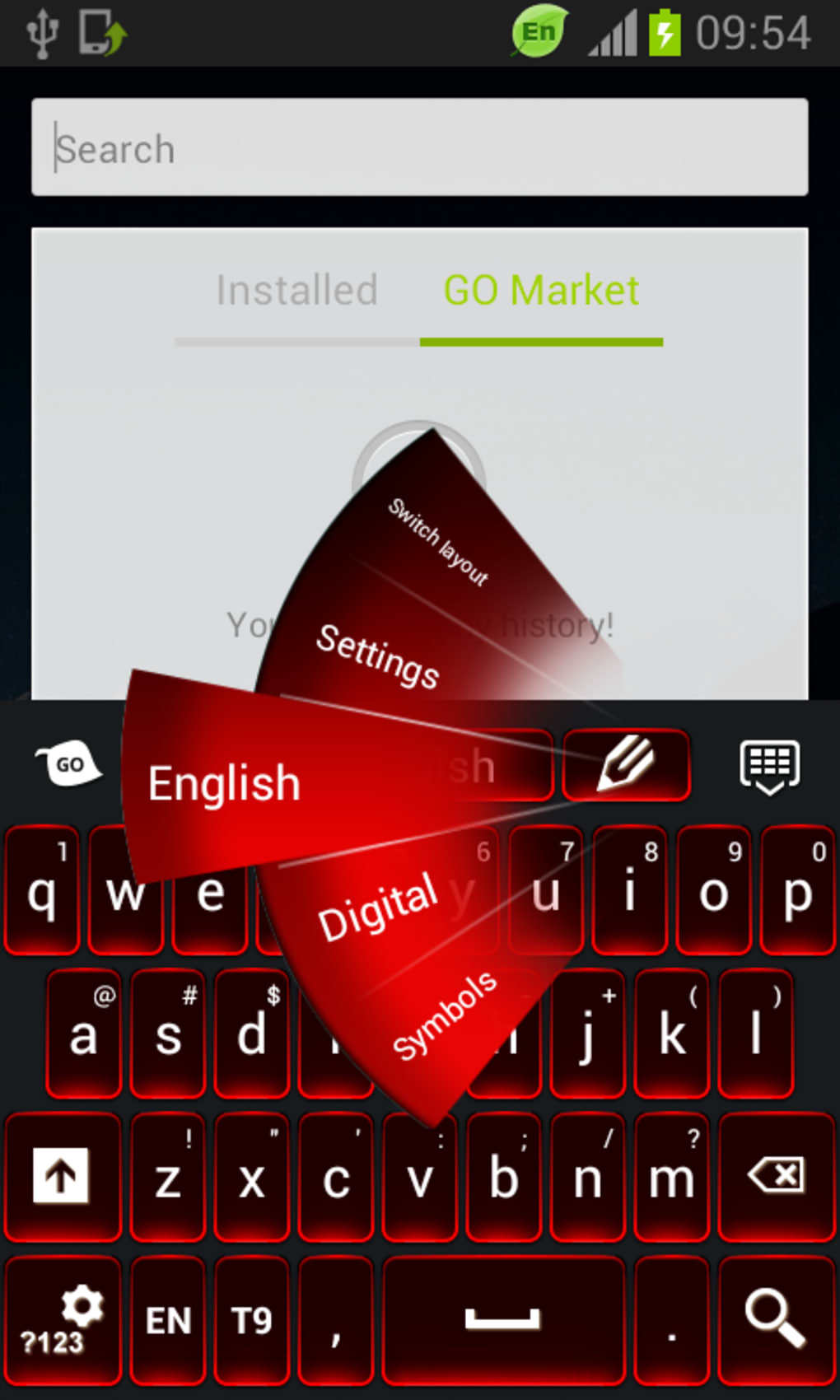
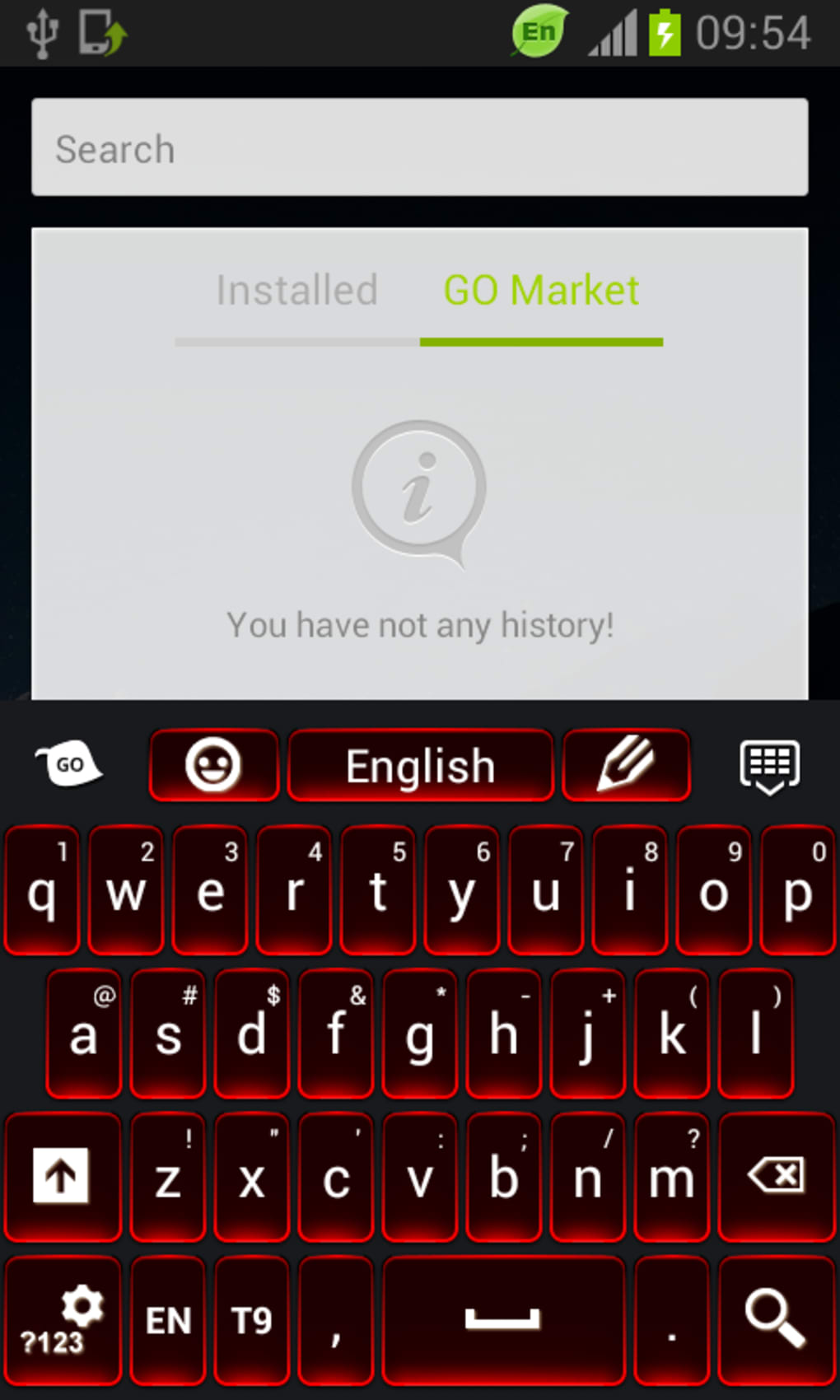
- Neon Red Visual Theme – A bold, dark red design with vibrant highlights that enhances visual appeal on Android screens.
- Compatibility with GO Keyboard Suite – Designed to work exclusively with GO Keyboard – Emoji, Wallpaper, or New 2023 Keyboard applications.
- Customizable Typing Preferences – Users can toggle auto-capitalization and auto-correction settings to match personal typing habits.
- Font and Color Customization – Allows users to adjust the keyboard’s font style and color scheme for further personalization.
- Simple Installation and Setup – No configuration is required; the theme becomes active immediately after installation.
- Lightweight Design – Minimal file size ensures quick installation and low impact on device storage.
Real-world usage includes enhancing daily messaging, social media interactions, and note-taking with a more engaging interface. Users can switch between themes or adjust settings based on mood or context, such as using a more subdued mode during work hours or a flashy neon look for casual chats. The theme’s compatibility with multiple GO Keyboard variants ensures flexibility for users with different app preferences. It is particularly useful for individuals who enjoy customizing their mobile experience without installing complex tools.
User Interface, Workflow & Performance
The user interface of Keyboard Red is described as simple and easy to use, aligning with the minimalist design principles common in mobile keyboard themes. Navigation is streamlined, with no additional menus or complex workflows required. The theme integrates directly into the host keyboard application, inheriting its core interface while applying its unique visual style. This ensures a consistent user experience without disrupting established typing habits.
Workflow efficiency is high, as the theme activates automatically upon installation, requiring no further setup. Users can access customization options directly within the parent keyboard app, allowing for real-time adjustments to font, color, and input behavior. The developer did not specify resource usage details, so exact performance metrics such as CPU or RAM consumption remain unknown.
However, the app is classified as lightweight, suggesting minimal impact on device performance. Stability is presumed to be consistent, given the theme’s focus on visual enhancement rather than complex processing. No reports of crashes or slowdowns were mentioned in the provided information.
Compatibility & System Requirements
Keyboard Red is designed for the Android operating system and is compatible with most Android devices, including both newer and older models. It supports the latest versions of Android, ensuring functionality across current mobile platforms. The theme also works with select older devices, broadening its accessibility to a wider user base. However, exact system requirements were not listed, and the developer did not provide specific hardware specifications such as minimum RAM or processor speed.
Installation size is described as small, indicating a low storage footprint. This makes the theme suitable for devices with limited space. Compatibility information is limited to the operating system level, with no mention of specific device manufacturers or model numbers. The theme relies entirely on the host keyboard application for core functionality, meaning that performance and behavior are dependent on the parent app’s design and optimization. The developer did not disclose any platform-specific limitations or exceptions.
Pros and Cons
Pros
- Free to download and use with no ads or in-app purchases
- Visually appealing neon red design enhances typing experience
- Simple setup with no configuration required
- Lightweight with minimal file size
- Compatible with multiple versions of Android and various devices
- Offers customization of font, color, auto-cap, and auto-correction
Cons
- Requires a compatible keyboard app (e.g., GO Keyboard) to function
- Cannot be used independently; depends on third-party software
- Limited customization beyond color and font
- Exact performance and resource usage details not provided
- No information on update frequency or long-term support
FAQ Section
Is Keyboard Red compatible with all Android devices?
Keyboard Red is designed to work with most Android devices, including both newer and older models. However, it requires a compatible keyboard application to function, and full compatibility depends on the host app’s support.
Can I use Keyboard Red without installing GO Keyboard?
No, Keyboard Red is not a standalone keyboard. It must be used with one of the supported GO Keyboard applications—such as GO Keyboard – Emoji, Wallpaper, or the New 2023 Keyboard—which must be installed separately.
Is Keyboard Red safe to download and install?
Yes, the app is described as secure and does not contain ads or in-app purchases. It is a lightweight, free application developed by T-Me Studio.
Does Keyboard Red require an internet connection to work?
No, the theme functions offline once installed. It does not require an active internet connection to operate, though initial setup may involve a redirect to download the compatible keyboard app.
How often are updates released for Keyboard Red?
The update frequency was not specified by the developer. Users are advised to check the app’s source or the developer’s website for the latest version.
Final Thoughts + CTA
Keyboard Red delivers a bold, vibrant, and user-friendly enhancement for Android users who enjoy personalizing their typing experience. With its striking neon red theme, seamless integration with popular keyboard apps, and minimal setup, it stands out as a simple yet effective tool for visual customization. While it relies on external software to function, its lightweight nature, lack of ads, and ease of use make it a solid choice for casual users and mobile enthusiasts alike. The theme excels in providing aesthetic value without compromising performance or security. For those seeking a fun, free, and secure way to upgrade their keyboard interface, Keyboard Red offers a compelling solution.
Download Keyboard Red now





.png)

